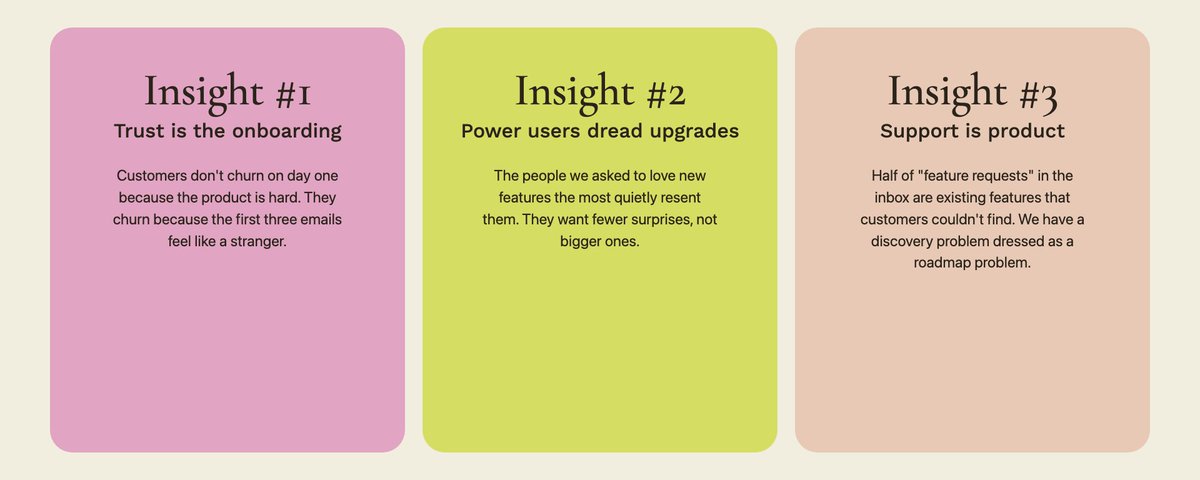

Don't make PowerPoint decks. Make HTML slides that look like these:
If you want to adopt a more AI-native way of working but don't know where to start, the easiest and highest-leverage thing you can do is probably starting to replace all your PPT decks with HTML slides.
HTML slides are taking over the world because:
AI is very good at generating beautiful HTML, especially arranging text and images into boxed layouts (since their training data contains lots of websites) Humans are visual animals. We simply like beautiful things. The most important thing your slides need to do is to capture someone's attention It is FAST. If you have a presentation in half an hour and need a quick deck, you simply don't have time to push boxes around in PowerPoint. Just send the content to AI and it will magically arrange all the content in beautiful layouts in A COUPLE MINUTES Users have told me that they got extremely positive feedback from audiences because they usually have never seen anything like this, and admire how AI-native the presenter is Here's a practical guide for complete beginners, without assuming prior knowledge in coding, using an agent, or knowing about GitHub or skills:
Go to AnyGen (You can get started for free and get free credits)
Select “Build slides” -> “Frontend”, then choose a template you like
- Type your instruction for creating the slides in the prompt box
- Iterate and edit. All HTML decks are editable in AnyGen! Just click on any text to edit, or click on “Boss mode” to give targeted edits in batch: just comment on elements to tell AI what to change
If you wanna insert your own images, just send them to AI and tell it where to insert
- All HTML decks are sharable as links, so you can just send it to others (without having to learn how to deploy a website)
- All HTML decks can be exported as PDF or PPT files
Your next slide deck doesn't need to be a PowerPoint. HTML is the future, and the easiest way to get started making HTML is to creating slides.
Get started here