
You can now create animated videos directly in Replit, from just a prompt
Replit Animation builds videos directly from code - under the hood, we're writing TypeScript with modern libraries to build animated scenes and allow you to export videos - directly to mp4 That means you'll be able to pull in existing design systems and tokens, typography styling, and agent skills to create any video imaginable.
When you're done, video can be exported at your desired resolution and frame rate or hosted online at a unique URL.
Video as code
With video as code, code is the source of truth.
If you have existing components that your team uses, design systems, or libraries, you can simply pull that code into Replit and build repeatable video on top.
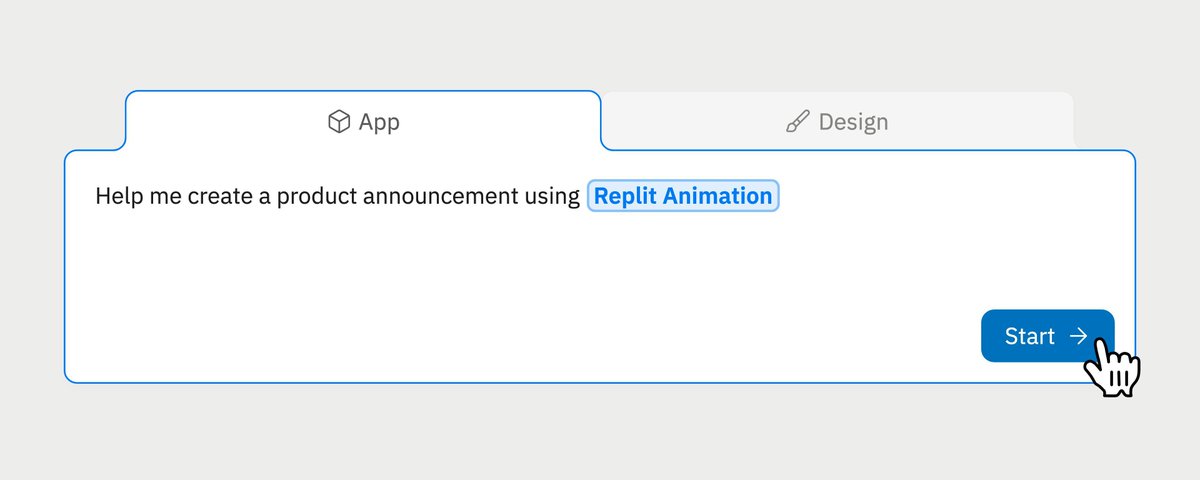
You may have noticed the our opening scene uses the Agent prompt box: I pulled the styling from our production systems and rebuilt the exact components in Replit for the animation.
Code can be manipulated, tweaked, and copied - now video can be too.
You could create a product marketing pipeline that generates weekly changelog videos or a feature release that pulls the latest styling from your brand guidelines.
Video creation is now a pipeline - just like data or CI / CD.
Getting started
To get started, head to the prompt box mention “video” in your initial prompt - we'll toggle on to video mode for you...
or select “animation” from the dropdown under “App” mode
Creating amazing video
The hardest part about prompting for video is “getting the language right.” It's the same challenge with prompting for images - learning taste in photography & videography.
I recommend experimenting and continually asking agent to help you learn different video terminology - J cuts vs. L cuts, Jump cuts, etc.
Agent can do research to help you learn the lingo and what you want.